Boardsmith
A downloadable tool
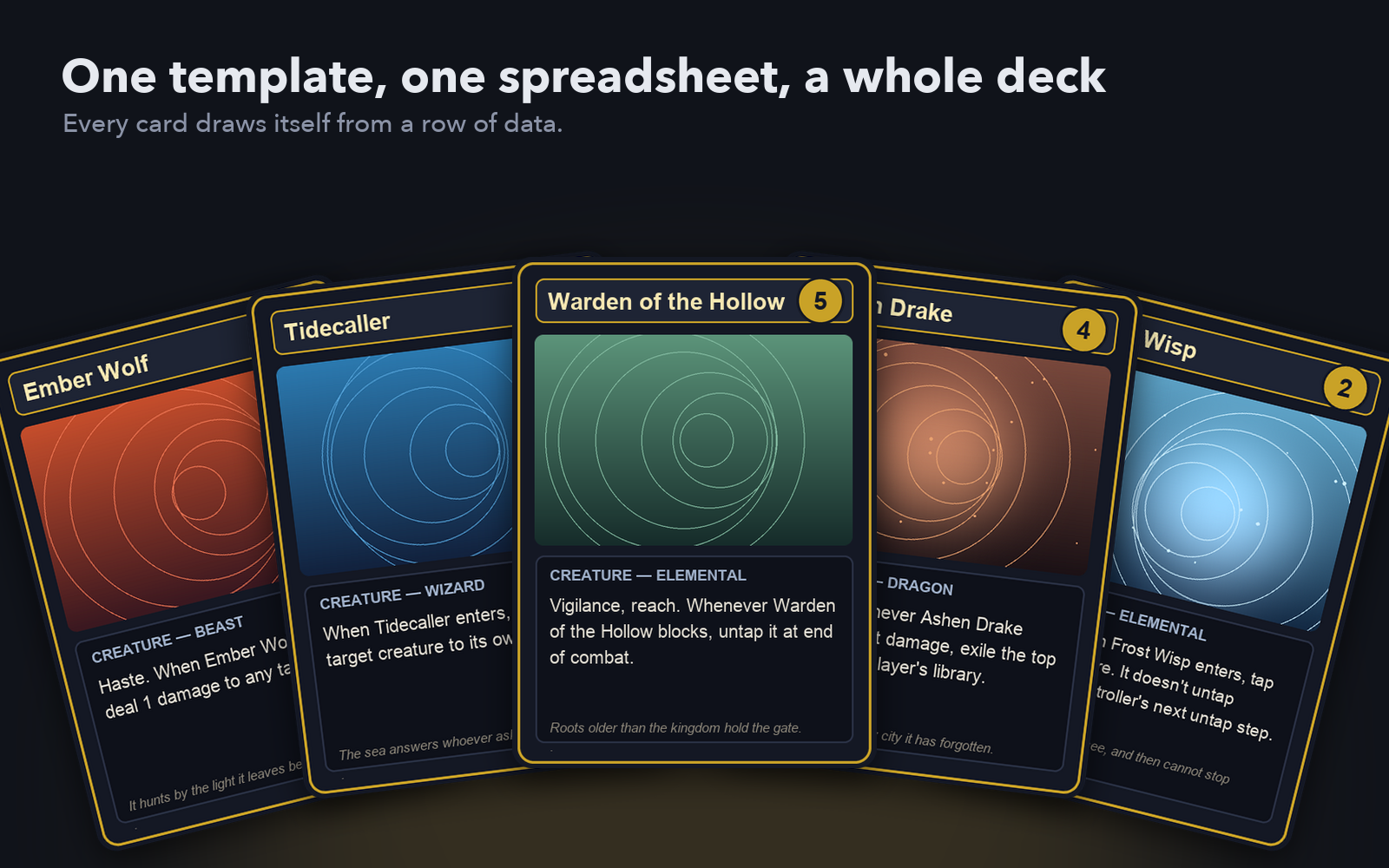
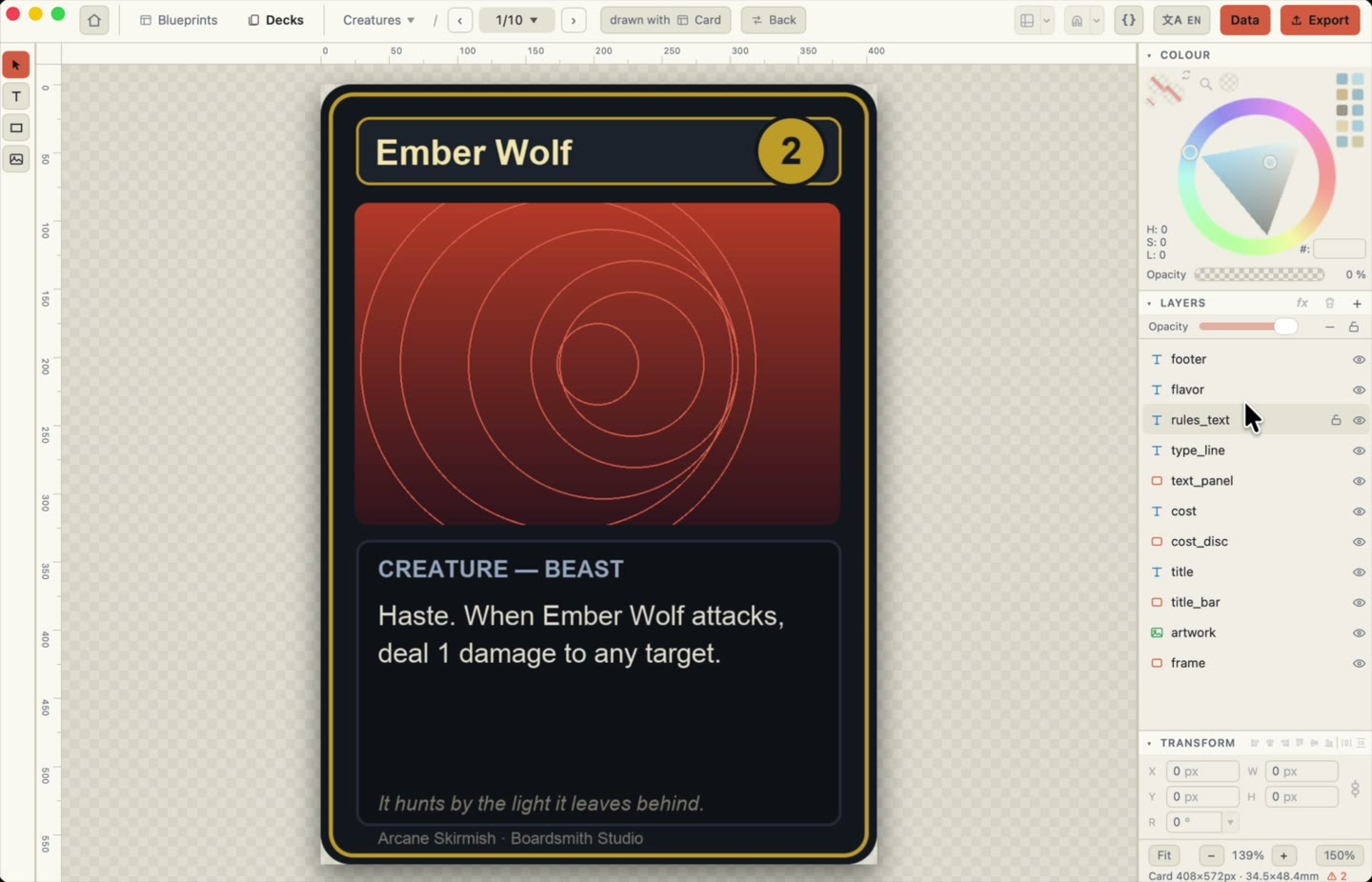
Boardsmith is a card deck editor for macOS and Windows. You design a card template once, point it at a spreadsheet, and every card draws itself from a row of data. Then you send the deck to a printer, to a PDF for your home printer, or into Tabletop Simulator.
No account, no cloud, no subscription. A project is a folder on your disk.
Your data is the deck
Cards are rows in a CSV, XLSX or JSON file. Fields pull from columns with {column} tokens, and inline markup handles bold, colours and icons. Change a rule in the template and every card that uses it changes too. Validation catches the two mistakes that cost an evening: a token with no column behind it, and a column no field ever reads.
Fast
The preview re-renders in about 40 ms as you type. It is a native desktop app, not a web page in disguise, so a 200-card deck feels like a 12-card one.
Ways out
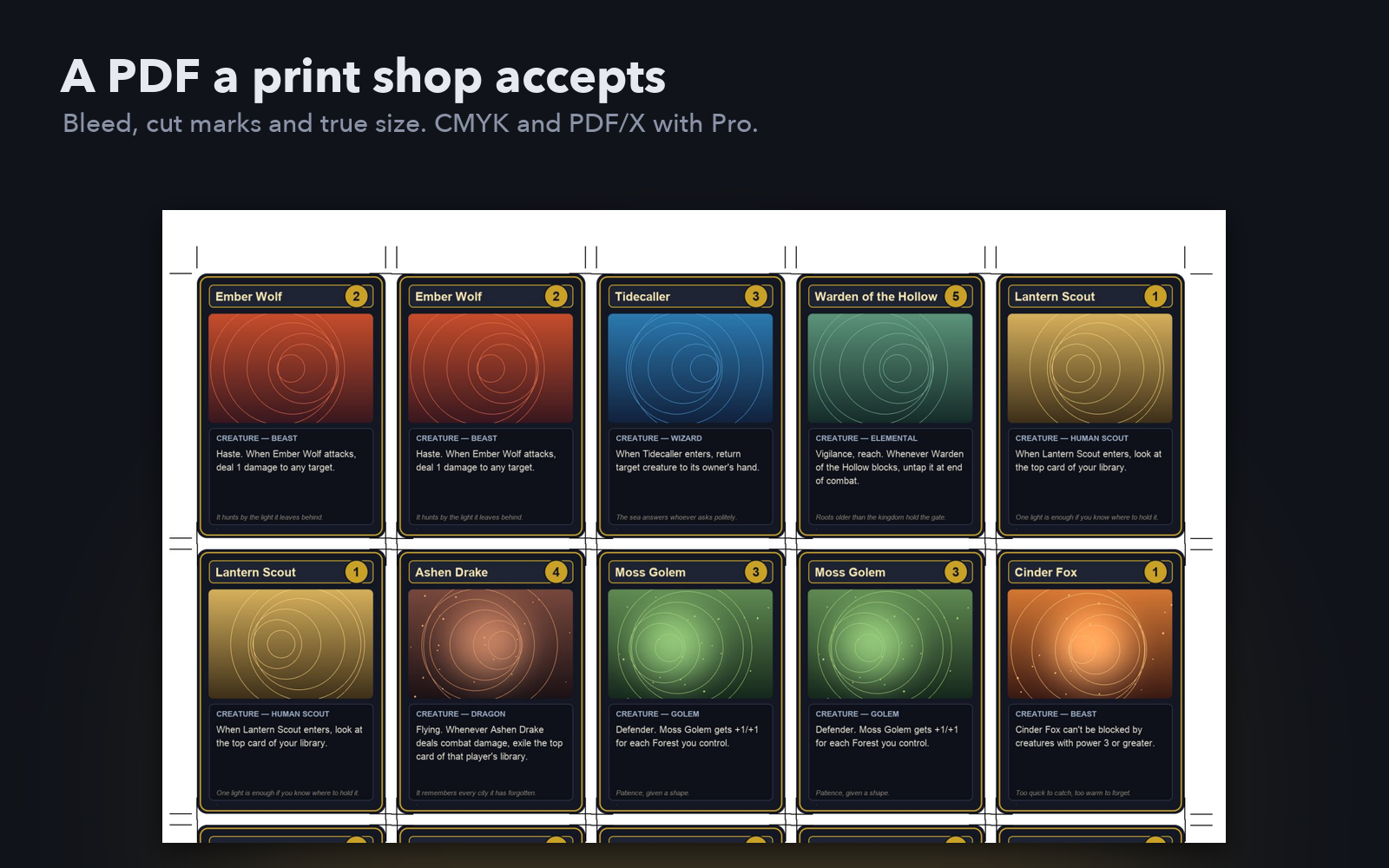
Print-and-play PDF with pages at true size, ready for a home printer.
PNG per card, with bleed.
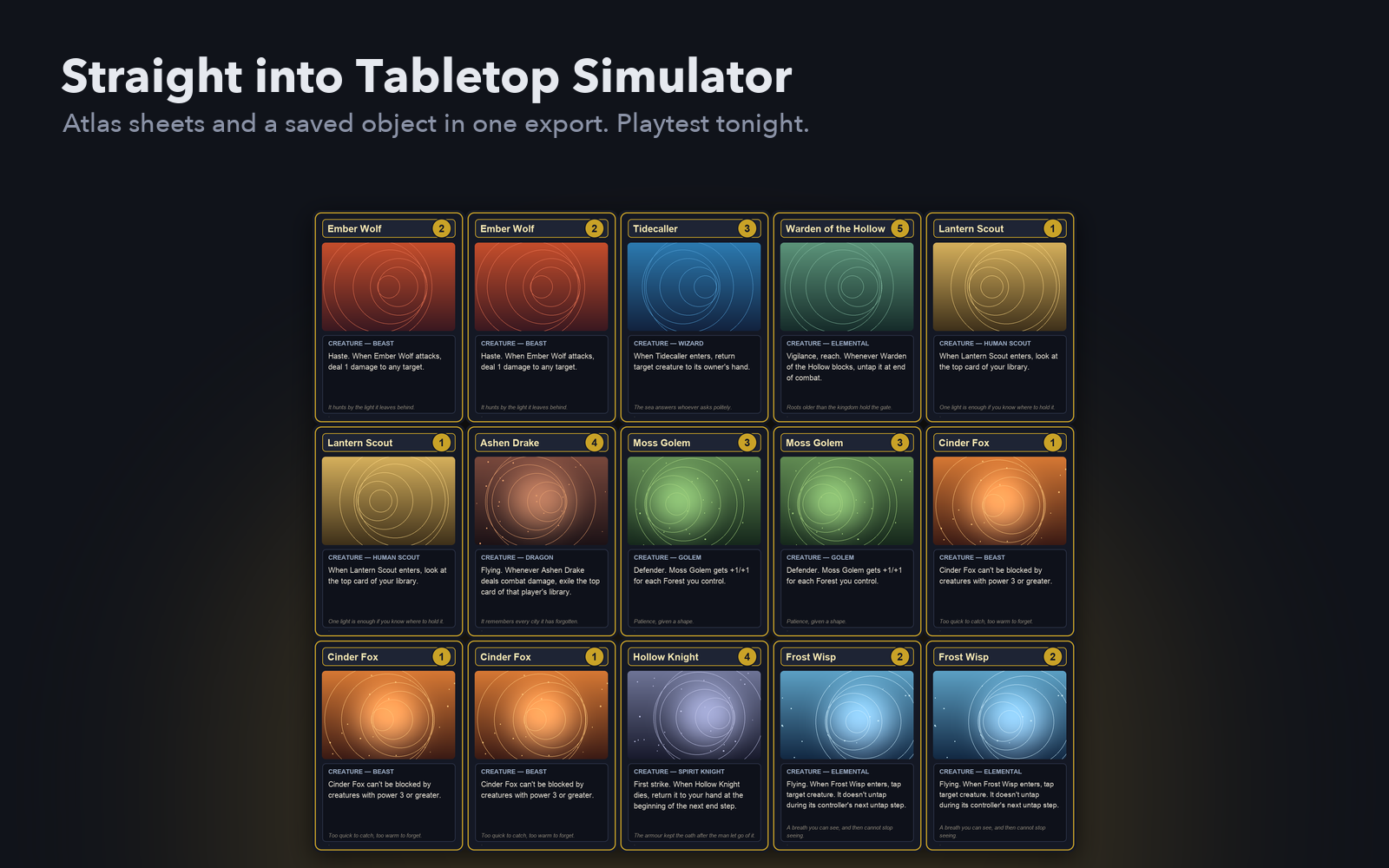
Tabletop Simulator sheets and a saved object in one export.
Already have a TTS mod? Import it and it comes apart into decks and cards you can edit.
Already printed something? Scan the sheets and Boardsmith finds each card, straightens it and cuts it out into a project.
Sizes are physical (poker, tarot, tokens, in millimetres at a DPI you choose), and everything has search, sort, filter and find & replace across the whole deck.
Safe to work in
Autosave every 20 seconds, crash recovery, and backups you can browse and restore. The template is plain JSON, so it works in git. The command line and the app share one renderer, so a deck can be rebuilt later exactly as it was.
Free and Pro
The whole editor is free, with no card limit, no watermark and no trial clock. This is not a demo.
Pro covers the pre-press half of the export, the settings that exist for a print shop: PDF bleed, cut lines and duplex backs, CMYK through your printer's ICC profile, PDF/X-1a, presets for The Game Crafter, MakePlayingCards and Longpack, JPG and TIFF output, writing an imported TTS mod back out, and 2x rendering. It is a one-time payment with a perpetual licence and twelve months of updates, not a subscription. Pro goes on sale with 1.0, and the people in the beta get their licence for free. Details are at boardsmithapp.com/pricing.
About AI
Parts of the code were written with the help of an LLM. Boardsmith has no generative features and ships no generated art.
Questions or something broken? support@boardsmithapp.com
Download
Install instructions
No extra libraries or programs needed. Everything is bundled.
Which file?
- Mac with Apple silicon (M1 or later): the aarch64 .dmg
- Mac with an Intel chip: the x64 .dmg
- Windows 10 or 11, 64-bit: the x64 setup .exe
macOS (11 or newer)
1. Open the .dmg and drag Boardsmith into Applications.
2. Open it from Applications. The app is notarised by Apple, so it should start without a warning.
Windows
1. Run the setup .exe and follow the installer.
2. The installer is signed with a Certum certificate, but Windows SmartScreen can still say "Windows protected your PC" for a new publisher. If it does, click "More info", then "Run anyway".
The free version needs no account and no key. Projects are ordinary folders on your disk. The app checks for updates by itself.
Something not working? support@boardsmithapp.com
Development log
- Boardsmith 0.2.5 is on itch.io3 days ago
Leave a comment
Log in with itch.io to leave a comment.